

Included with Premium
An encrypted password vault that only you can unlock
Keep your logins, cards, Wi-Fi passwords and authenticator codes in one place. Everything is encrypted on your device with a master password we never see, so not even OneTimePass can read your vault.
- End-to-end encrypted
- Master password never leaves your device
- Breach check without sending your passwords
- Locks itself after 10 minutes
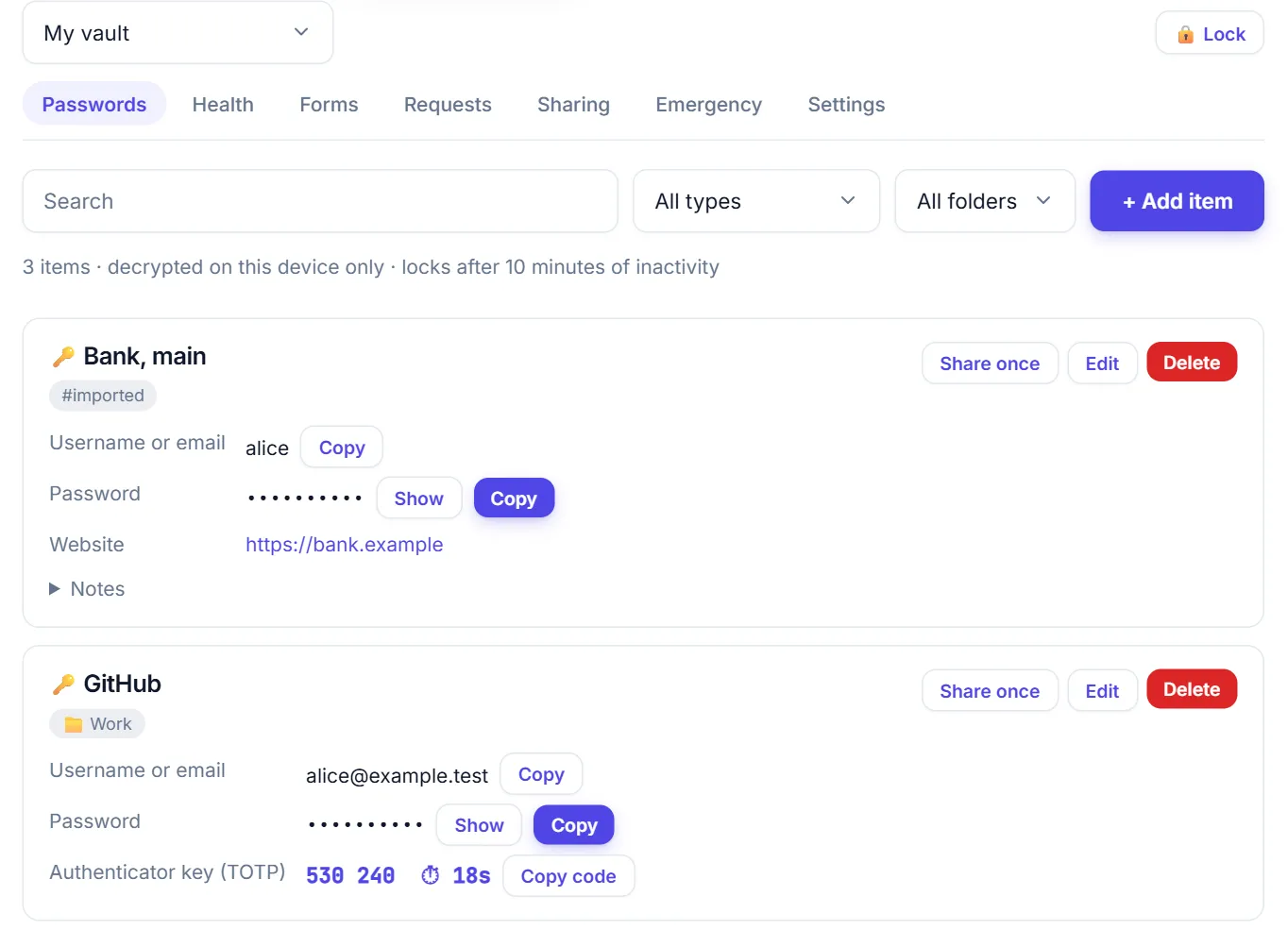
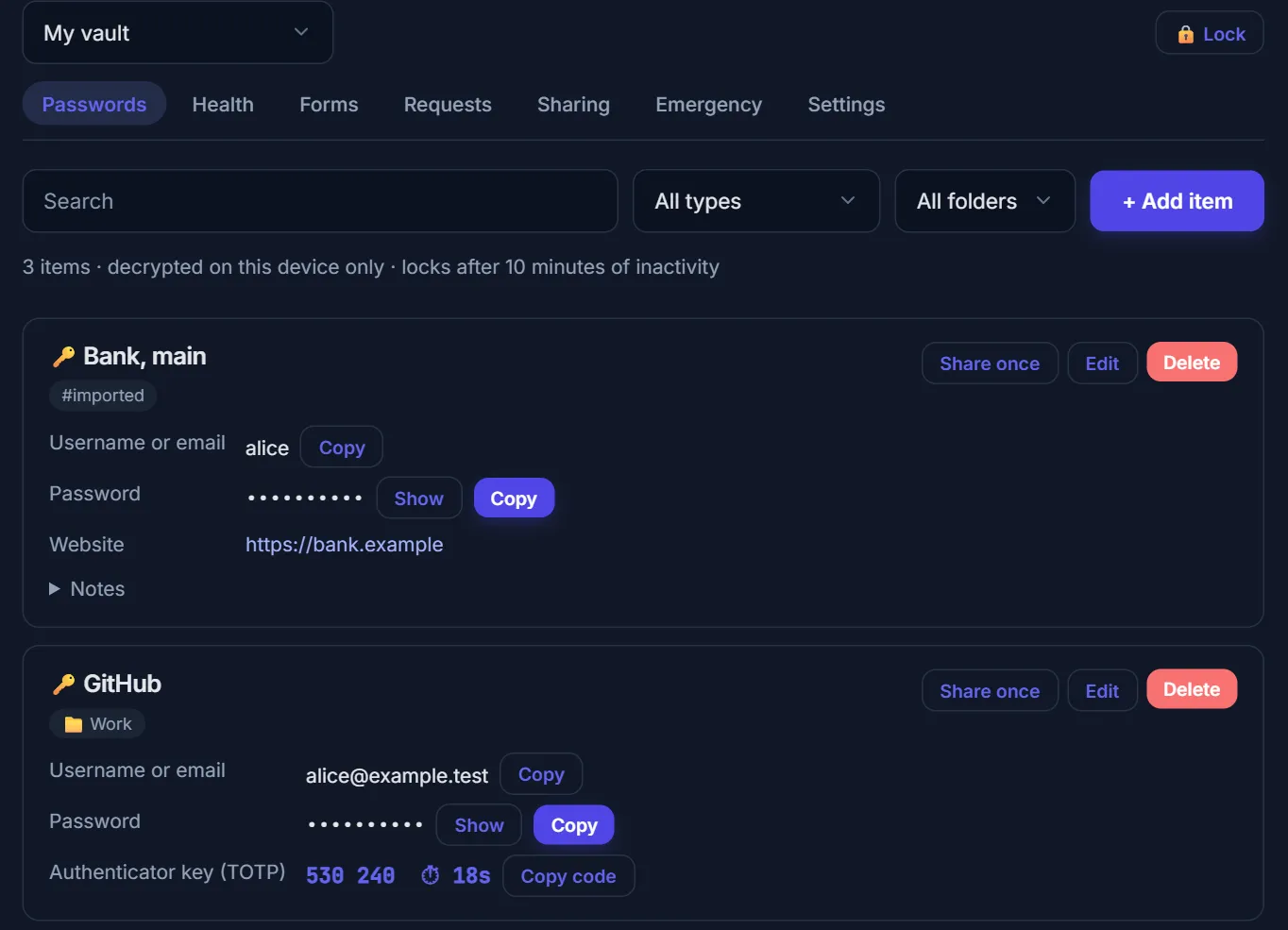
- Decrypted on your device only
- Live authenticator codes
- Share any item as a one-time link
Everything you need to keep passwords safe
Logins, cards and more
Save logins, secure notes, payment cards, Wi-Fi networks and software licences. Organise them with folders and tags, and find anything with search.
Authenticator codes
Add a site's two-factor setup key and the vault shows its 6-digit code, ready to copy.
Strong password generator
Create a long random password with one click while you add or change a login.
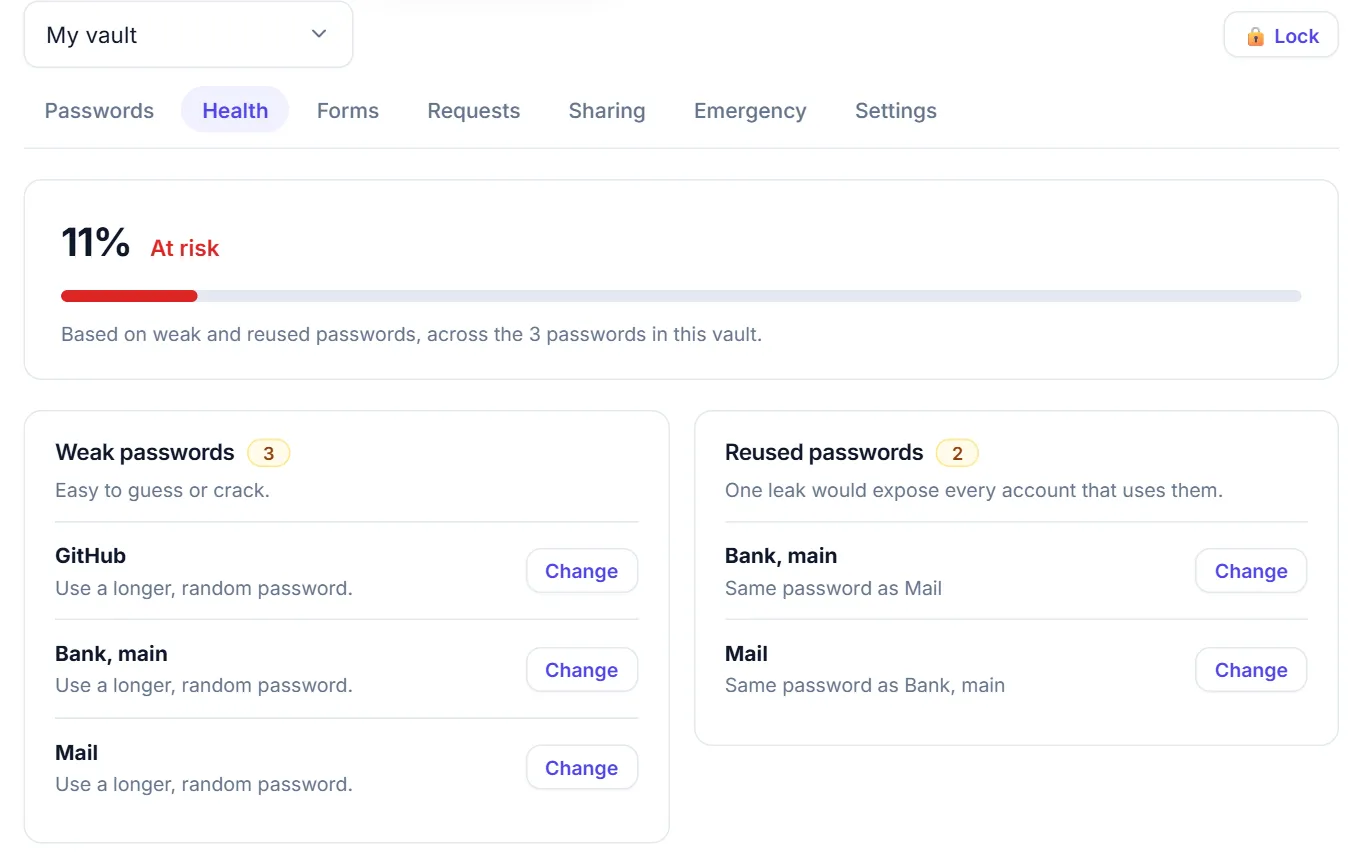
Password health
See weak, reused and old passwords, and check them against known data breaches.
Import and export
Bring passwords over from Bitwarden, 1Password, LastPass, Chrome, Edge or Firefox, and export everything whenever you like.
Share once
Send any item to someone as a self-destructing link, without giving them access to your vault.
Find the passwords that put you at risk
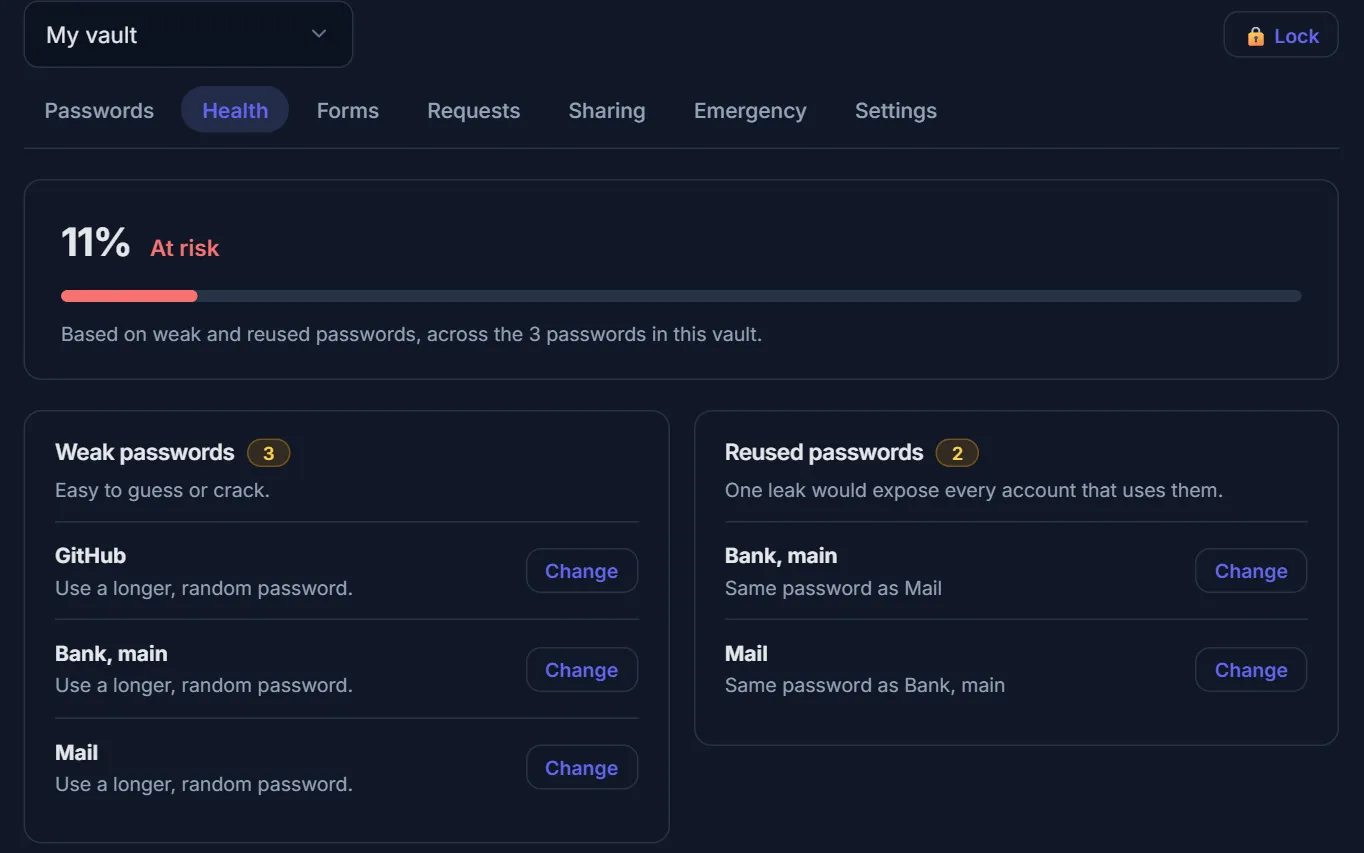
The Health tab scores your vault and lists what to fix first: passwords that are easy to guess, the same password used on several sites, and passwords you haven't changed for over a year.
The breach check compares your passwords with Have I Been Pwned's list of leaked passwords. Only the first 5 characters of each password's SHA-1 hash leave your device, so the service never learns your passwords, and nothing is stored.
How the encryption works
Your vault is built so that only someone with your master password can read it. That person is you.
Your master password stays with you
When you unlock the vault, your browser turns your master password into a key with PBKDF2-SHA256 (600,000 rounds). The password itself is never sent to us.
Everything is encrypted on your device
That key unlocks your vault key, which encrypts each item with AES-256-GCM before it's saved.
We store only encrypted data
Our server keeps data it can't decrypt. It can't recover a forgotten master password, either.
It locks itself
After 10 minutes without activity, or when you click Lock, the key is forgotten until you unlock it again.
Share with the people you trust
- Shared vaultsShare a set of passwords with your family or colleagues, and let each person edit or only view. Each shared vault has its own key, encrypted separately for every member with public-key encryption (ECDH P-256).
- Removing someoneWhen you remove a member, the shared vault gets a new key, encrypted again for everyone who stays. (They may still remember passwords they saw, so change the important ones.)
- Emergency accessChoose people who can request read access to your vault if something happens to you. You pick a waiting period of 1 to 30 days, you're emailed when they ask, and you can decline.
- Everyone needs their own vaultThe people you share with need their own OneTimePass Password Vault, which comes with Premium or a Business team.
Password Vault or one-time link?
Password Vault
For passwords you keep and use again and again. Stored encrypted for as long as you want them.
One-time secret link
For handing a password to someone once. It's deleted from our server after it's opened. Create one for free.
Included with OneTimePass Premium
The Password Vault comes with Premium ($4/month or $40/year), with a 14-day free trial for new subscribers. Premium also includes Secure Forms, secret requests, file attachments and links that last up to 90 days. Teams get it with Business.
If you stop paying, nothing is deleted: your vault becomes read-only and you can still export everything.
Password Vault questions
Can OneTimePass see my passwords?
No. Your vault is encrypted and decrypted in your browser with a key that only your master password can unlock. The master password itself never leaves your device, so we only ever store encrypted data that we can't read, and we couldn't hand your passwords to anyone even if asked.
What if I forget my master password?
Then nobody can open your vault, including us: that is the price of being the only one who can. You can delete the vault with your account password and start a new one. To avoid losing everything, add an emergency contact, or keep a copy of your master password somewhere safe offline.
What happens if I stop paying for Premium?
Nothing is deleted. Your vault becomes read-only: you can still unlock it, view and copy your passwords, and export everything. Renew Premium at any time to add or edit items again.
Can I import passwords from my current password manager?
Yes. Export your passwords from Bitwarden, 1Password, LastPass, Chrome, Edge or Firefox as an unencrypted CSV or JSON file, then add it in the vault's settings. The file is read in your browser and never uploaded. Delete the export file afterwards, because it isn't encrypted.
Is it safe to keep authenticator (2FA) codes in the same vault?
It's convenient, and the codes are encrypted like everything else. But keeping a password and its second factor in one place means that anyone who opens your vault has both. For your most important accounts, such as your email, consider keeping their codes in a separate authenticator app.
Can I share passwords with my family or team?
Yes. Create a shared vault, invite people by their OneTimePass email address, and let each of them edit or only view. Everyone you share with needs their own Password Vault, which comes with Premium or a Business team. If you remove someone, the shared vault gets a new key.
How is the vault different from a one-time secret link?
A one-time link is for handing a password to someone once: it is deleted after it's opened. The vault is where you keep passwords for the long term. They work together: any vault item has a "Share once" button that sends it as a one-time link.
Do I need to install anything?
No. The Password Vault runs in your web browser at onetimepass.org. It locks itself after 10 minutes without activity, and you unlock it again with your master password.