

Premium feature
Send Files Securely with Links That Delete Themselves
Send a contract, an ID scan or a key file as an encrypted link. Your recipient downloads it once, and then it's gone from our servers.
- Encrypted in your browser
- Downloaded once by default
- Expires automatically
- No account needed to open
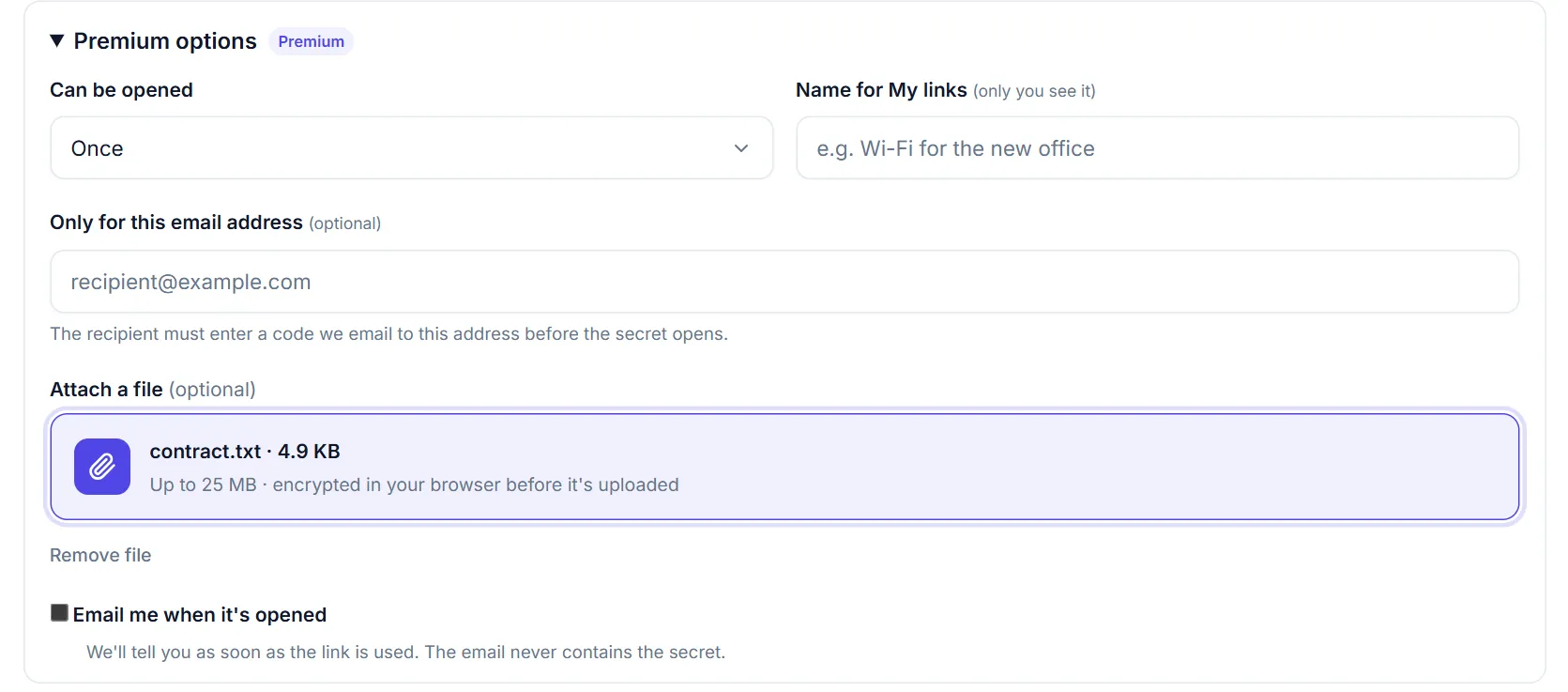
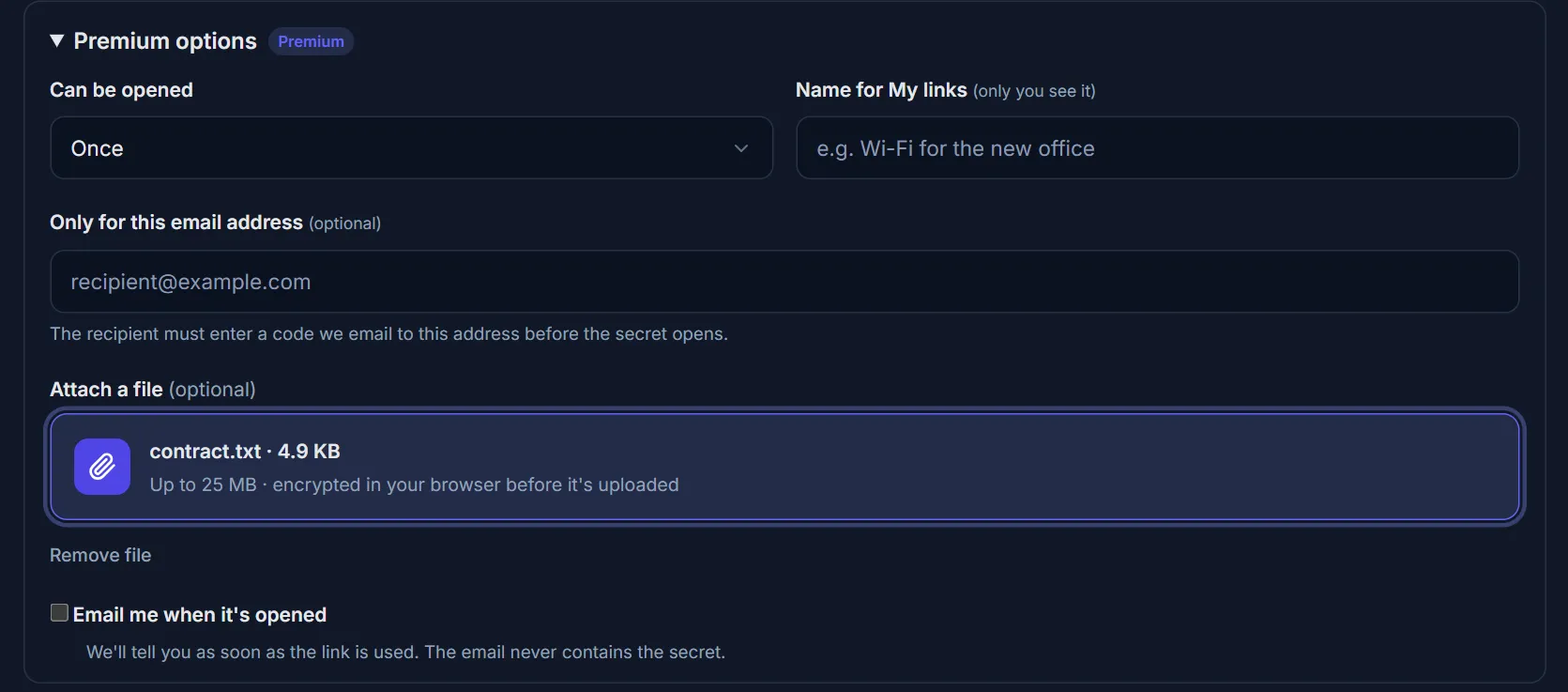
- The file is encrypted before upload
- You choose when the link expires
- Add a passphrase for extra safety
Why Email Attachments and Sharing Links Aren't Enough
Attachments stay forever
A passport scan sent by email sits in both mailboxes, every synced device and every backup, for years.
Sharing links stay open
Usual file-sharing links work for anyone who has them, often until someone remembers to remove them.
The service can read them
Most storage and email services hold the keys to your files, so their systems can read them.
No way to know who opened it
Once a file is forwarded, you can't tell whether the right person, or anyone else, downloaded it.
How It Works
Attach the file
On the home page, choose a file of up to 25 MB, add a message if you like, and pick an expiry: 1 hour, 1 day, 7 days, 30 days or 90 days.
It's encrypted locally
Your browser encrypts the file, and its name, type and size, with AES-256-GCM before uploading. The key stays in the link after the
#.Send the link
Share it by email or chat. Send a passphrase, if you set one, another way, such as by phone.
Downloaded, then deleted
Your recipient reveals it and gets a single-use download for 10 minutes. After the last allowed download, the file is deleted.
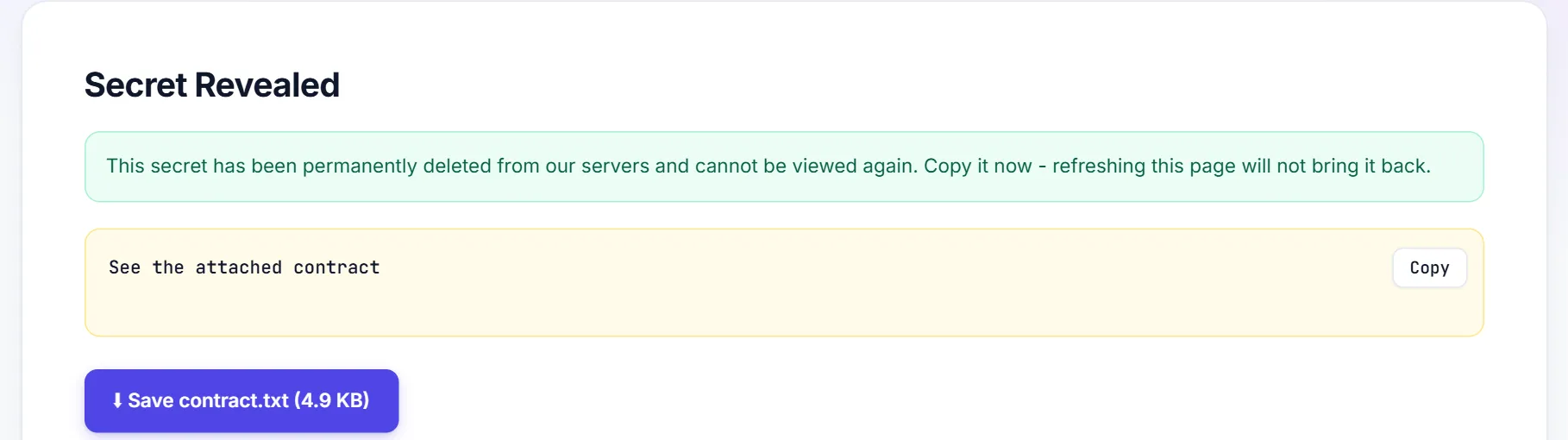
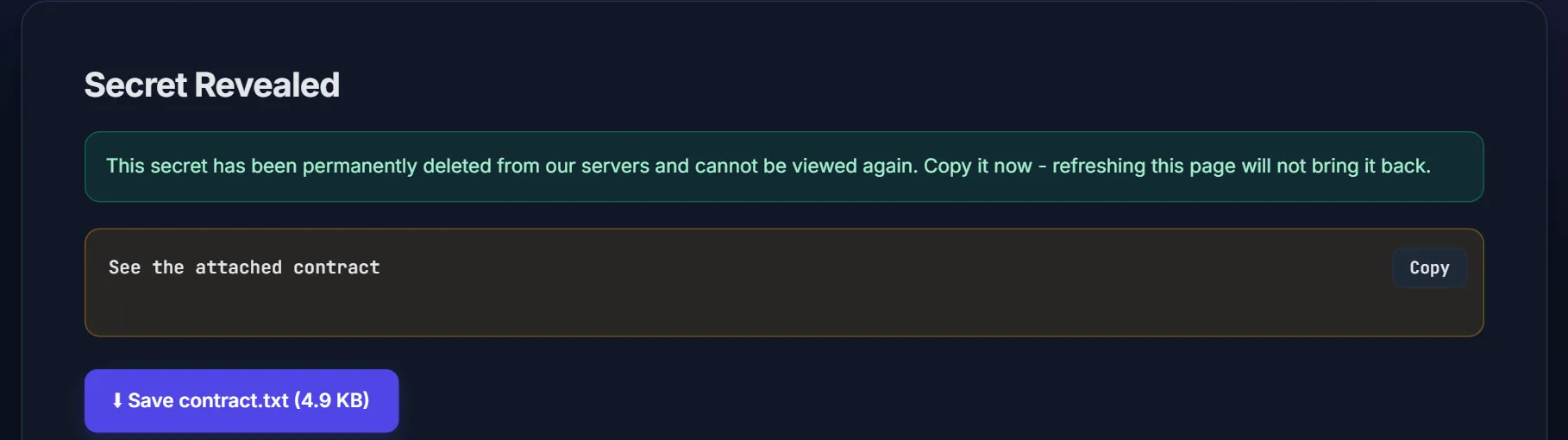
- Decrypted in the recipient's browser
- The download works once
- Then the file is deleted
What People Send This Way
Contracts and statements
Signed agreements, payslips and bank statements for an accountant, lawyer or landlord.
ID documents
Passport or licence scans for an identity check, without leaving them in an inbox.
Certificates and key files
TLS certificates, key files and config bundles for a colleague. See sharing API keys securely.
Health and legal letters
Medical letters for an insurer or court documents for a client, sent once and then removed.
Sending or Receiving?
Send a file: one-time link
You have the file and want to hand it to someone once. Attach it to a one-time link, as on this page.
Receive files: Secure Forms
You need documents from clients. Send them an encrypted form to upload into; only you can open the files. See Secure Forms.
What We Can and Can't See
- Encrypted before uploadThe file is encrypted in your browser with the link's key; the server stores only encrypted data.
- Even the file name is hiddenThe name, type and size are encrypted separately, so we can't see what you sent.
- Single-use downloadsOnly the page that revealed the secret gets a download, and it works once.
- What we do seeWhen the link was created and expires, how many opens are left, and the encrypted size.
- Optional extra locksA passphrase (destroyed after 5 wrong attempts) or locking the link to the recipient's email address.
- Honest about the edgesOnce downloaded, the recipient has their own copy of the file. Send files only to people you trust with them.
Questions About Sending Files
How do I send a file securely?
With OneTimePass Premium, attach the file on the home page, add a message if you like, choose when the link expires and create it. Your browser encrypts the file before uploading it. Send the link to your recipient, and any passphrase another way, such as by phone. When they open the link, the file is downloaded and decrypted in their browser.
How large can the file be?
Up to 25 MB per link. For larger files, such as videos or big archives, split them or use a file-transfer service, and send the password for the archive through a one-time link.
Can OneTimePass see my file?
No. The file is encrypted in your browser with AES-256-GCM, using the same key as the message, which stays in the part of the link after the #. Browsers never send that part to our server. Its name, type and size are encrypted too, so we only store encrypted data.
What happens to the file after it has been downloaded?
After someone reveals the secret, their page gets a single-use download that works for 10 minutes. Once the last allowed open has been used and its download has happened, the secret and the file are deleted from our database. Unopened links are cleaned up after they expire.
Does the recipient need an account?
No. They open the link in any web browser, click Reveal, and download the file. Only you, as the sender, need Premium.
Can I send a file to several people?
Each person should ideally get their own link. With Premium, one link can allow up to 10 opens, so a small group can each download the file.
Is it different from a file-sharing link?
Usual file-sharing links work for anyone who has them, often until you remember to remove them, and the service can read the file. A OneTimePass link is encrypted end to end, opens a limited number of times and then deletes itself.
What if I need to receive files from clients instead?
Use Secure Forms. You send your client a link to an encrypted form; they upload their documents, which are encrypted on their device, and only you can open them in your Password Vault.
Send Your Next File the Safe Way
Encrypted in your browser, downloaded once, then deleted.