

Included with Premium
Collect sensitive client details with encrypted forms
Stop asking clients to email ID numbers, bank details, logins and passport scans. Send them a Secure Form instead: their answers are encrypted on their own device, and only you can read them.
- Encrypted on your client's device
- No account needed for your client
- Files up to 1 MB, encrypted too
- Alerts that never contain the answers
What your client sees, and what you see
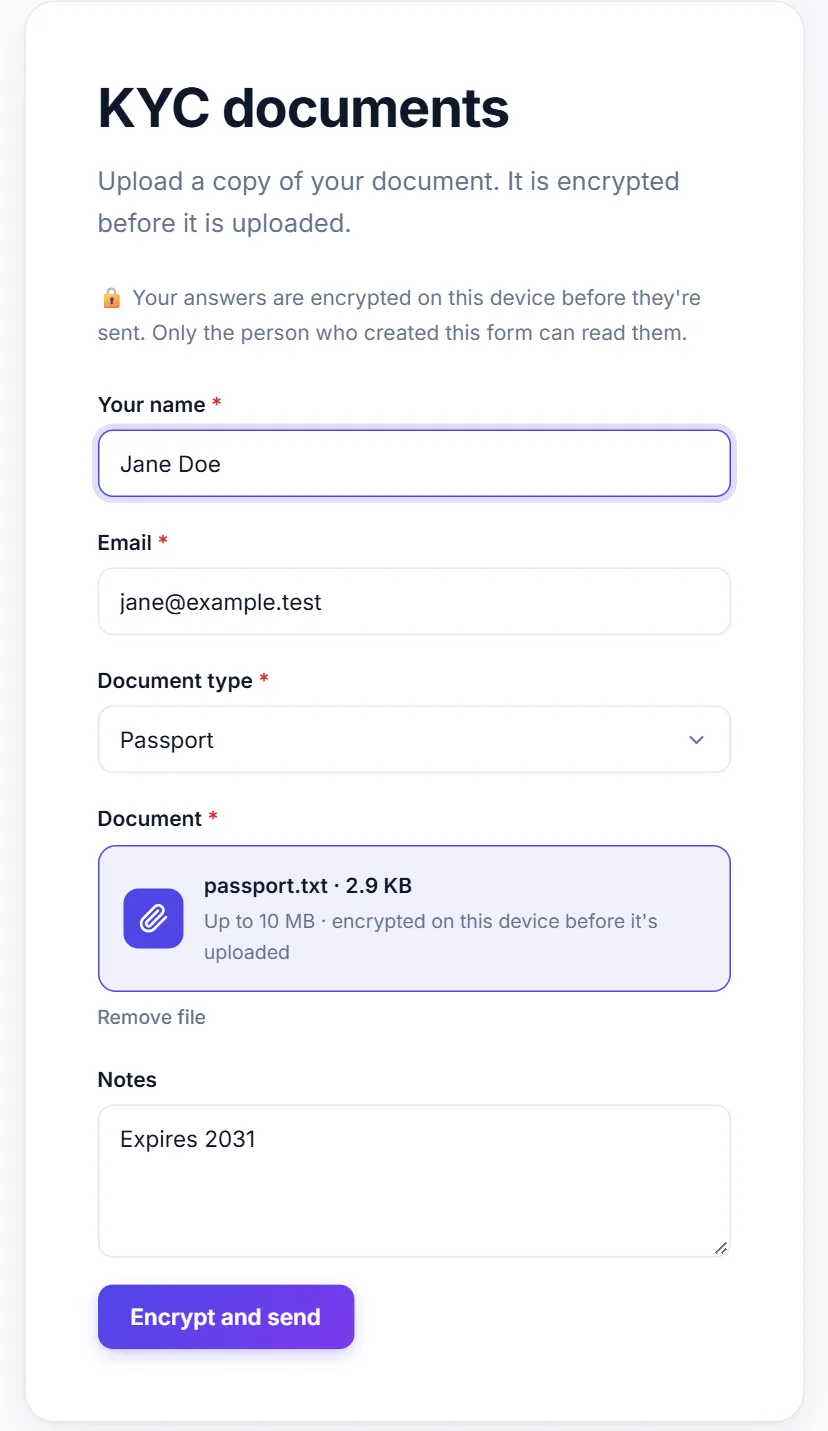
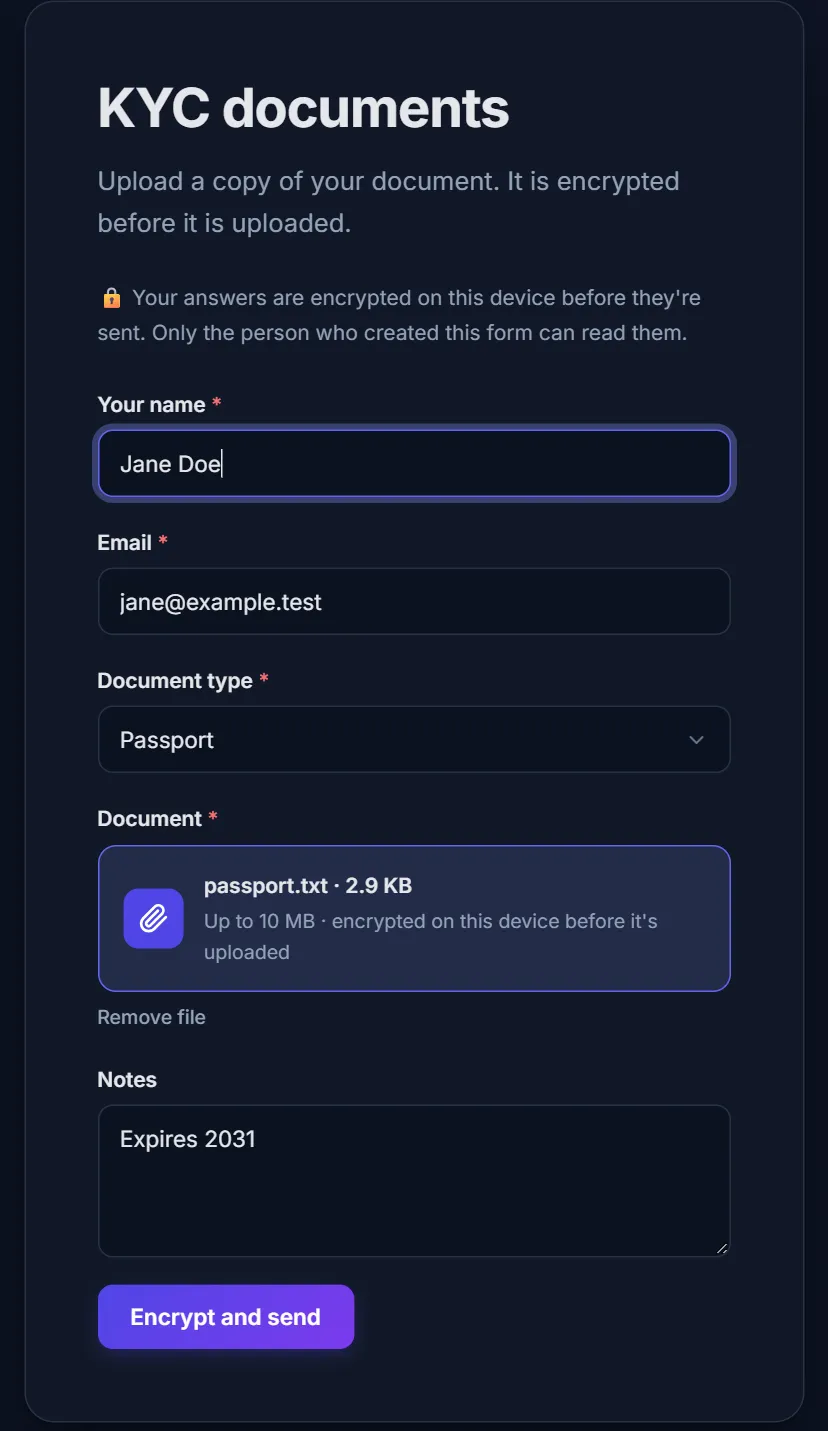
Your client fills in the form
A simple page in any browser. Everything is encrypted before it's sent.
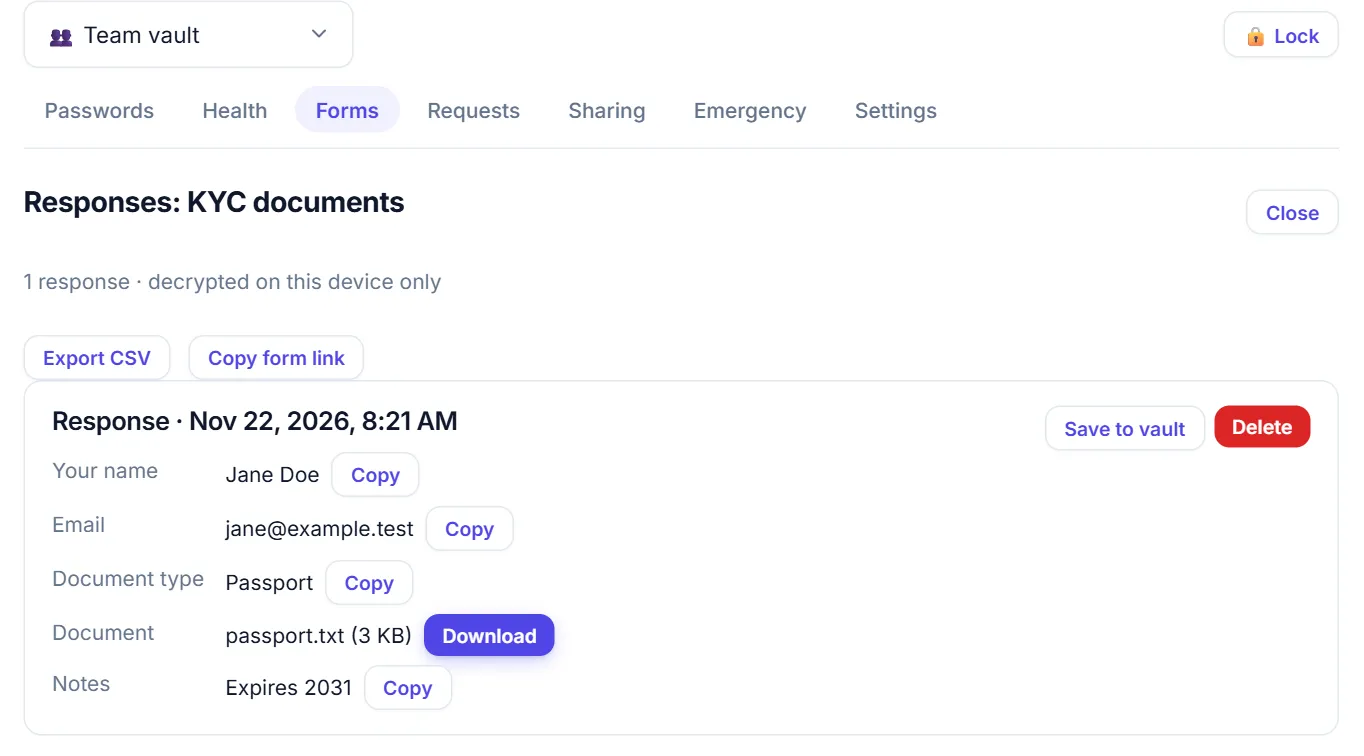
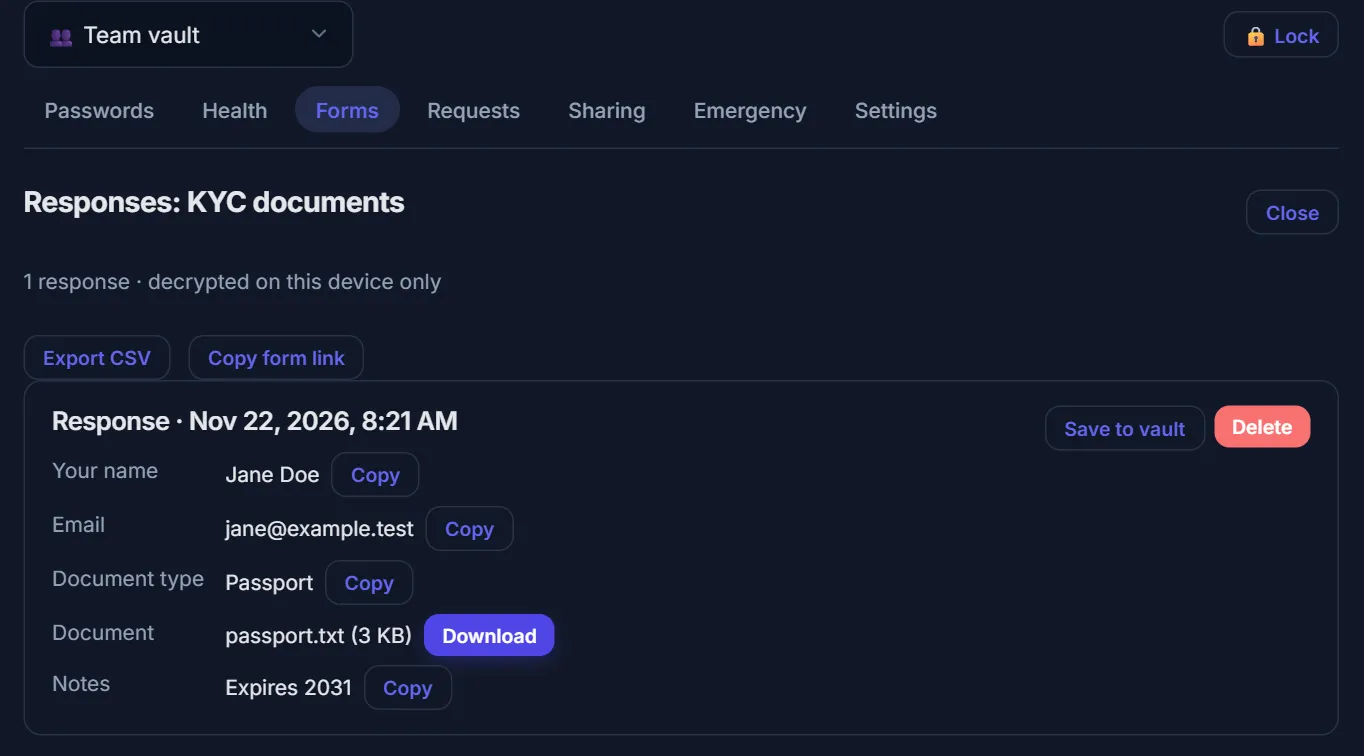
You read it in your vault
Decrypted on your device only: copy answers, download files, export to CSV.
How it works
Build your form
Start from a template (client onboarding, bank details, password handover or document upload) or a blank form, and add up to 30 questions.
Send the link
Share it by email, chat or on your website. If you change a question later, the same link shows the new version.
Encrypted on their device
Your client's browser encrypts the answers and files with your public key before anything is uploaded.
Only you can read it
Unlock your Password Vault to read responses, download files, save details to your vault or export to CSV.
Made for people who handle other people's details
Especially if you work on your own and don't have an IT department to set up something secure for you.
Freelance developers & designers
At the start of a project, get the client's hosting, domain and admin logins with the password handover template, not in an email thread.
Accountants & bookkeepers
Collect tax IDs, bank details and statements from new clients, with the files encrypted on the way in.
Consultants & coaches
Onboard a new client with one link: contact details, billing information and any access you need.
Landlords & agents
Ask for ID documents and references, and keep them out of your inbox.
What you get
- 10 question typesShort and long text, email, phone, number, date, a choice list, a tick box, a hidden password or PIN field, and file uploads.
- Encrypted file uploadsUp to 5 file questions per form, up to 1 MB each, encrypted before they're uploaded.
- Response limitsAccept a set number of responses, close the form after a date, or close and reopen it whenever you like.
- Alerts without the answersAn optional email for each new response. It only says that something arrived.
- Easy to work withCopy answers, download files, save details straight into your vault, or export everything to CSV.
- Your brand (Business)Your team's logo on the form, and every response in the team's activity log.
Good to know: the questions are visible to anyone with the link. Keep secrets in the answers, not in the questions.
Where the answers are kept
- Encrypted until you delete themResponses are stored encrypted until you delete them, one at a time or together with the form. We can't read them.
- Nothing lost if you stop payingYour forms stop taking new answers, and the responses you have stay readable in your vault.
- Built on the Password VaultResponses open in your Password Vault, which only your master password can unlock.
Included with OneTimePass Premium
Secure Forms come with Premium ($4/month or $40/year), with a 14-day free trial for new subscribers, together with the Password Vault, secret requests, file attachments and links that last up to 90 days. Teams get it with Business.
Only need to send a password once? Share it with a one-time link for free.
Secure Forms questions
Does my client need an account?
No. They open your link in any web browser, fill in the form and press "Encrypt and send". They don't need an account, an app or a password. You need OneTimePass Premium to create forms and read the answers.
How are the answers protected?
The answers, and any files, are encrypted in your client's browser with your personal public key before they are sent. Only your Password Vault holds the key that opens them, so we can't read the answers or the files. We only see that a response arrived, and when.
Can clients upload documents?
Yes. A form can have up to 5 file questions, each taking a file of up to 1 MB, such as an ID scan, a contract or a bank statement. Each file is encrypted on your client's device before it is uploaded, and decrypted on yours when you download it.
Will I know when someone fills in my form?
If you turn on alerts, you get an email for every new response. The email only says that a response arrived; it never contains the answers. You read them in your Password Vault.
Can I limit how many people respond, or close a form?
Yes. You can accept a set number of responses, close the form automatically after a date, or close and reopen it yourself at any time. If you edit the questions, the changes go live on the same link.
How long are responses kept?
Until you delete them. You can delete a single response or the whole form with all its responses. Deleting your Password Vault or your account deletes your forms and responses too. While they are stored, they stay encrypted.
What happens if I stop paying for Premium?
Your forms stop accepting new responses, but nothing is deleted. The responses you already have stay readable in your vault, and you can still download and export them. Renew Premium to open your forms again.
Can I put my own logo on the form?
Yes, with OneTimePass Business: your team's logo and name appear on your forms, and every new response is recorded in the team's activity log.